
Why Won’t My E-Bike Turn On? Safe Checks for a Dead Display
You can collect useful evidence without opening a battery or controller. This guide covers a bike whose display or system stays off. It does not prescribe a universal reset sequence. Keep the manual for your exact bike, battery and display beside you.
Safe check order · Match the symptom · Start-up controls · Battery works, switch does not · Service report
E-bike will not switch on: the safe check order
- Inspect for damage, unusual heat or suspected water ingress first. Any stop-use sign ends this checklist.
- Identify the system and its normal power button. A lock key, battery gauge button and handlebar power button can serve different purposes.
- Check the last charge and the battery indicator using the manual. Treat a flashing error pattern differently from a steady charge-level display.
- End charging before start-up if your manual requires it. Check the latch and any user-removable display; refit only through the documented procedure.
- Make one normal start attempt and record the result. If the display stays dark after the permitted checks, arrange diagnosis before buying a battery, controller or display.
These steps narrow the symptom; they do not identify a failed component. A new fault after fitting a replacement battery or display belongs in a compatibility review. Matching nominal voltage or a connector shape alone does not confirm that the replacement will communicate with the bike.
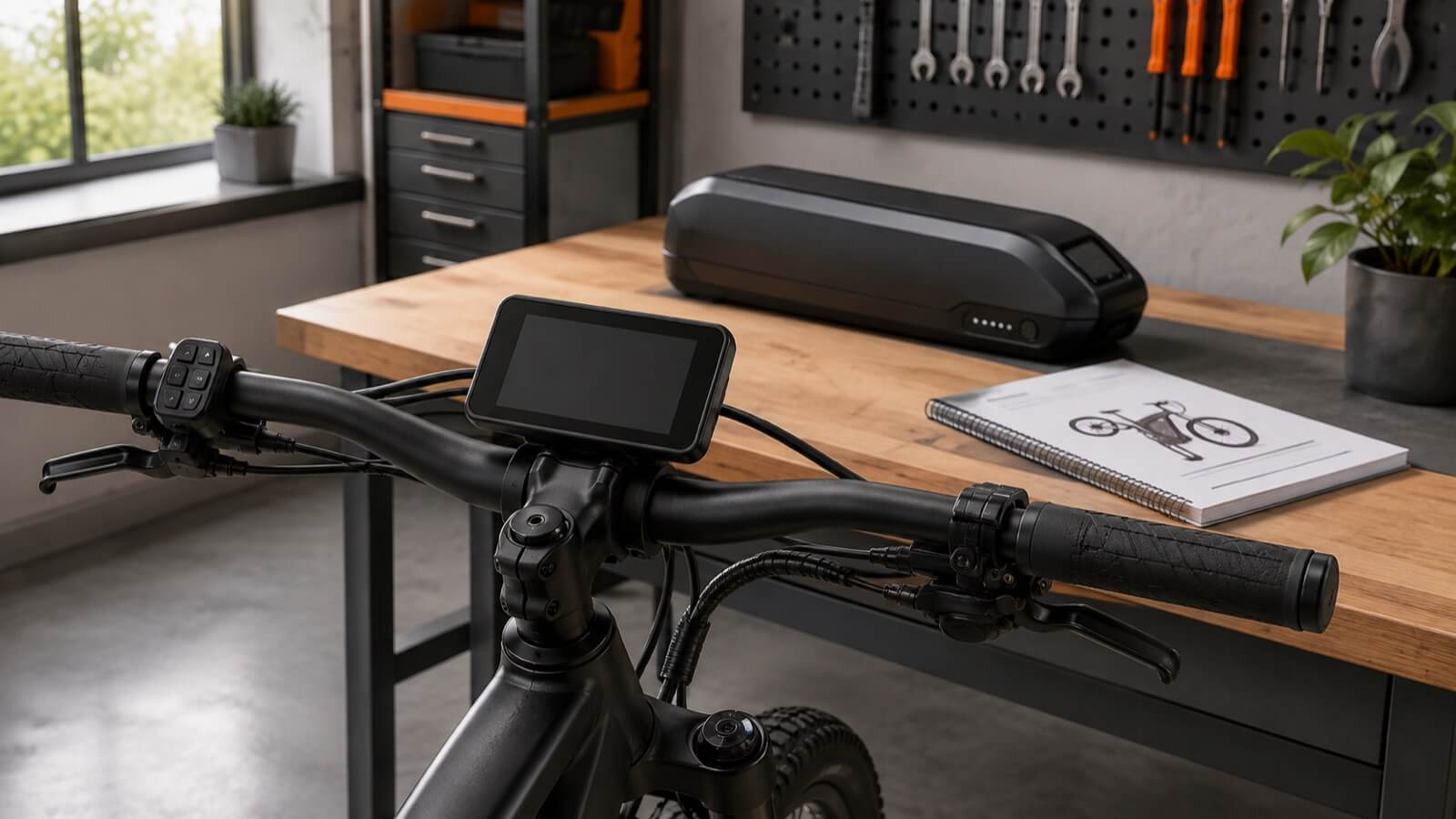
Choose the symptom that matches your bike
| What you observe | What it establishes | Next step |
|---|---|---|
| No battery indication and no display | You have not yet confirmed an available power source. | Check the battery manual and charge history; stop if there is damage. |
| Battery indicator lights, display stays black | One battery function responds. The bike’s power path remains unconfirmed. | Check start-up instructions, seating and visible external damage. |
| Display flashes, then switches off | The system responds briefly. | Record the sequence and any code; seek model-specific guidance. |
| Display works, motor gives no assistance | The bike has powered up; this is a different symptom. | Use the motor/no-assist guide. |
| Bike starts but cuts out during a ride | The failure is intermittent. | Record the conditions of the cut-out; do not repeat risky load tests. |
The motor cut-out guide covers interrupted assistance. If the battery does not accept a charge, the battery-not-charging guide is the appropriate starting point.
Stop-use checks come before electrical checks
Look at the battery case, mount and visible cable insulation without disturbing damaged parts. Swelling, leakage, scorching, a damaged connector, unusual smell or abnormal heat requires the manufacturer’s service process. Do not try another charger to see whether a damaged pack wakes up.
If the battery smokes or burns, move away, warn others and call the emergency services. Do not carry it through the building or block your escape route while trying to save the bike. Follow local fire-service instructions.
Check the start-up procedure for this model
Find the model identifiers on the bike, battery and control unit. Confirm which button starts the system and whether a removable display must be fitted. A battery-lock key may secure the pack without functioning as an electrical ignition switch. Follow the illustrated controls in the manual rather than guessing from another e-bike.
For example, Shimano’s E7000 manual describes a system that cannot be switched on while its mounted battery is charging. That is a model-specific restriction, not a rule for every e-bike. End charging according to your own instructions before attempting start-up.
The same E7000 manual instructs riders to keep their feet off the pedals during start-up. This avoids a system error; it is not a cure for a damaged battery. Follow the control sequence for your identified system rather than repeatedly changing the button-hold time.
Do not copy a button-hold duration from a different display. A power-off command, factory reset and battery service procedure can have different purposes. Record any settings you changed before the fault appeared.
Establish the charge history
Write down the last successful ride and charge. Was the battery stored for weeks, returned from a cold location or disconnected before charging finished? Record the indicator pattern exactly. A charger light alone cannot identify every battery or wiring fault.
If the pack is dry, undamaged and within its permitted conditions, follow its normal charging instructions with the supplied or manufacturer-approved charger. Keep charging attended and use the designated charging location. An abnormal result belongs with the manufacturer or dealer; repeatedly reconnecting the charger is not a diagnosis.
Do not choose a replacement charger by connector shape. The charger compatibility guide explains the matching information to confirm. A persistent capacity concern can be assessed with the battery-health evidence checklist, without opening the case.
Check battery seating and the visible power path
Switch the system off and disconnect charging before any removal permitted by the manual. If the battery is designed for user removal, follow the prescribed release and refitting sequence. Confirm that the latch and lock engage. Do not force a pack that no longer seats correctly after an impact.
Inspect only the accessible exterior of the mount and wiring. Note corrosion, wet contacts, trapped cables, abrasion or a connector hanging loose. Do not probe terminals with metal objects or pull on wires. Reconnecting a connector is appropriate only when the manufacturer provides that user procedure for the identified connector.
A visual check cannot prove electrical continuity. If the permitted checks do not resolve the fault, a technician needs to trace the system. Replacing the display first because it is dark can leave the original fault untouched.
A working battery light does not rule out the controls
For the systems covered by Shimano manual UM-7GP0B-005, a satellite power switch has an internal battery. A low internal charge can prevent switch start-up even when the main battery has charge. The manual identifies the main battery power button as another start-up route. Use it only if it is accessible and documented for your bicycle; do not dismantle a frame cover or switch.
| Observation on this Shimano system | Meaning and next step |
|---|---|
| Starts from the main battery button, not the satellite switch | Report the difference to the dealer before replacing the main battery. This alone does not prove the switch is defective. |
| Satellite LED flashes twice during start-up | The manual identifies reduced internal battery charge. Follow its recharge procedure; request dealer E-TUBE support if needed. |
Other systems can behave differently. Never connect a separate power supply to a switch or bypass safety wiring. Manufacturer example reviewed 9 October 2026.
Also distinguish system power from motor permission. A brake-input or assistance-setting issue belongs in the powered-on/no-assist branch. Disconnecting brake safety wiring to investigate a black display can introduce another fault and removes a safety function.
Give the service team a reproducible report
- Bike, battery, charger and display model identifiers, plus the approximate purchase date.
- Whether each indicator is dark, steady or flashing; a short video of one normal start attempt can help.
- Last successful ride and charge, and whether the fault followed storage, rain, impact, transport or maintenance.
- Any visible damage, error text and the exact external checks already performed.
- Any replacement components or settings changes made before the failure.
Ask the service provider which component they have tested and which evidence supports replacement. Keep the original parts and records until the diagnosis is agreed. For recurring prevention checks, use the e-bike maintenance schedule.
Questions about an e-bike that will not switch on
Can I reset every e-bike in the same way?
No. Use the reset procedure, if any, for the exact system. Avoid generic instructions to bridge terminals, bypass the BMS or disconnect safety switches.
Does a full battery mean the display must be faulty?
No. The fault can lie elsewhere in the bike’s power path. Record the battery indication and let the service team verify the system before buying parts.
Should I test a battery that stopped working after rain?
Stop attempts if water ingress is suspected. External dryness does not prove the inside is safe. A submerged battery requires professional guidance, not a timed drying experiment.
Can I ride home without power?
Only if the bike is mechanically safe, the manufacturer permits it and the route can be completed safely without assistance or electrically powered lights. Do not ride a bike with battery damage, binding wheels or uncertain braking.
Planning service support for an imported product line
Dealers should define how customers identify components, report indicator patterns and obtain compatible replacements. For a Jimsen project, send the intended market, proposed configuration and local service arrangements. Discuss OEM/ODM requirements so the project team can review documentation and support needs against the confirmed specification.
Sources and limits
- Shimano E7000 user manual UM-79E0B-000: start-up and cycle-computer troubleshooting; applies to the listed Shimano system.
- Shimano special battery and parts user manual UM-7GP0B-005: power controls and model-specific fault checks.
- U.S. CPSC micromobility safety guidance: charging and damage precautions.
- London Fire Brigade weather guidance: water-exposure boundaries.
The symptom table is an editorial triage aid, not a test result or diagnosis. Jimsen has not claimed to have tested the bikes described in this guide.